
The modern workplace has evolved dramatically, with hybrid and remote work becoming the new standard. Yet one critical element often overlooked can make or break your productivity: lighting. ✨

Whether you’re video conferencing from your kitchen table or deep in focus mode at your home office, the quality of light surrounding you directly impacts your energy levels, mood, concentration, and even your sleep patterns. Poor lighting doesn’t just strain your eyes—it affects your entire work performance and well-being.
Why Lighting Matters More Than You Think in Remote Work Environments
Most professionals spend considerable time perfecting their ergonomic chair setup or investing in the latest productivity tools, but lighting frequently remains an afterthought. This oversight comes with real consequences that accumulate over time.
Inadequate lighting forces your eyes to work harder throughout the day, leading to digital eye strain, headaches, and fatigue. Research consistently shows that workers in well-lit environments report higher satisfaction levels, better concentration, and increased productivity compared to those working under poor lighting conditions.
Beyond productivity metrics, lighting profoundly affects your circadian rhythm—your body’s natural sleep-wake cycle. Exposure to the right type of light at appropriate times helps regulate melatonin production, improving both your daytime alertness and nighttime sleep quality. For remote workers who spend extensive hours indoors, this biological connection between light and health becomes even more critical.
Natural Light: Your Most Powerful Productivity Tool 🌞
Before investing in artificial lighting solutions, maximize the natural light already available in your workspace. Natural daylight provides the full spectrum of light wavelengths your body needs to function optimally.
Position your desk perpendicular to windows rather than facing them directly or sitting with your back to them. This arrangement minimizes screen glare while allowing natural light to illuminate your workspace from the side. If direct sunlight creates excessive brightness or heat, consider sheer curtains or adjustable blinds that diffuse light without blocking it entirely.
Strategic Window Placement and Workspace Orientation
North-facing windows provide consistent, even daylight throughout the day without harsh direct sunlight, making them ideal for workspaces. South-facing windows offer maximum natural light but may require more management to prevent overheating and glare during peak hours.
East-facing windows deliver energizing morning light that naturally supports your waking hours, while west-facing windows provide afternoon and evening light that can be intense and warm-toned. Understanding your window orientation helps you plan your most demanding tasks for times when natural light conditions are optimal.
The Three-Layer Lighting Strategy for Hybrid Workspaces
Professional lighting designers rely on a three-layer approach that combines ambient, task, and accent lighting. This same principle transforms home offices from dingy corners into energizing productive environments.
Ambient Lighting: Your Foundation Layer
Ambient lighting provides overall illumination for your entire workspace. This base layer should be soft and even, eliminating harsh shadows without creating glare on screens. Overhead fixtures, recessed lighting, or strategically placed floor lamps serve this purpose effectively.
For home offices, aim for ambient lighting that mimics natural daylight—typically around 3000-4000 Kelvin on the color temperature scale. This neutral white light supports alertness and focus without the harshness of cool blue-toned bulbs or the drowsiness induced by warm yellow lighting.
Task Lighting: Precision Where You Need It
Task lighting directs focused illumination exactly where you’re working—your desk surface, keyboard, or documents. Desk lamps remain the most common task lighting solution, but the quality varies tremendously across products.
Look for adjustable desk lamps that allow you to direct light precisely where needed without causing screen glare or shadows on your work surface. LED task lamps with dimming capabilities and color temperature adjustment offer maximum flexibility throughout your workday.
Accent Lighting: Creating Depth and Reducing Eye Strain
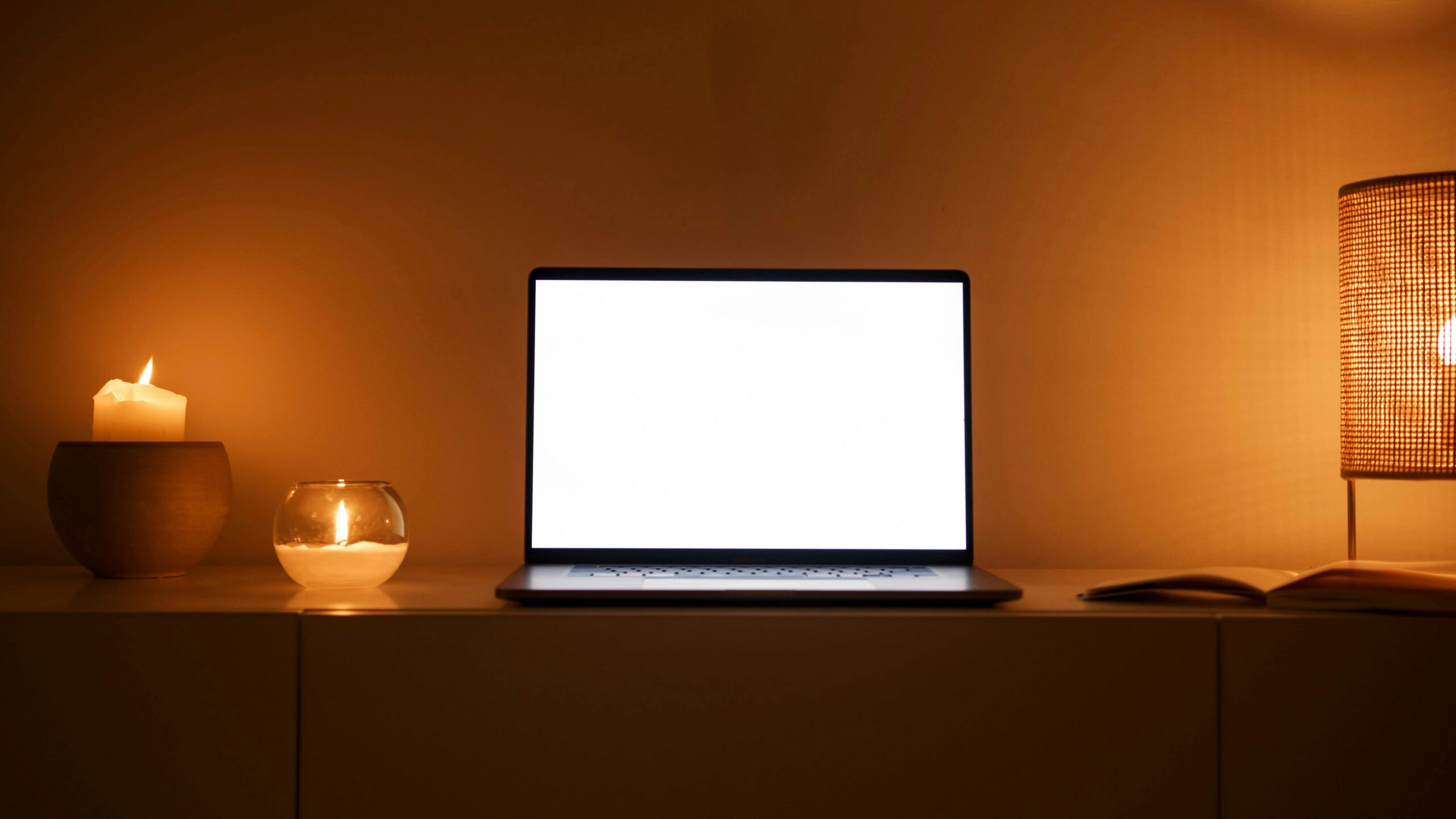
Accent lighting adds depth to your space and prevents the stark contrast between bright screens and dark surroundings that causes eye fatigue. Small lamps, LED strips behind monitors, or uplighting creates visual interest while reducing the strain of staring at illuminated screens in otherwise dark rooms.
This layer becomes especially important during evening work sessions when natural light disappears. The ambient glow from accent lighting prevents your eyes from constantly adjusting between extreme brightness differences.
Choosing the Right Bulbs and Color Temperatures 💡
Not all light bulbs deliver the same quality of illumination. The technology inside modern bulbs significantly impacts both your immediate comfort and long-term energy costs.
LED bulbs have revolutionized home lighting by offering superior efficiency, longevity, and light quality compared to traditional incandescent or CFL alternatives. Quality LED bulbs last up to 25,000 hours while consuming a fraction of the electricity, making them ideal for all-day workspace illumination.
Understanding Color Temperature for Different Work Activities
Color temperature, measured in Kelvins, dramatically affects both your mood and performance. Lower numbers produce warmer, yellowish light, while higher numbers create cooler, bluish illumination.
- 2700-3000K (Warm White): Creates cozy, relaxing atmosphere; ideal for break areas or evening wind-down periods
- 3500-4100K (Neutral White): Mimics natural daylight; excellent for general office work and video calls
- 5000-6500K (Cool White): Energizing and alertness-promoting; best for detailed tasks requiring intense concentration
Smart bulbs with adjustable color temperatures allow you to shift your lighting throughout the day, supporting your natural circadian rhythm by providing energizing cool light during morning hours and gradually warming as evening approaches.
Lighting Solutions for Video Conferencing Success
Video calls have become central to remote work communication, yet poor lighting remains one of the most common technical issues undermining professional presence during virtual meetings.
The golden rule for video lighting: light your face, not your background. Position your primary light source in front of you, slightly above eye level, angled downward at approximately 45 degrees. This placement eliminates unflattering shadows under your eyes and chin while creating natural-looking illumination.
The Ring Light Revolution
Ring lights gained popularity among content creators before becoming essential remote work tools. These circular LED lights surround your camera lens, providing even, flattering illumination that minimizes shadows and catches natural-looking reflections in your eyes.
Desktop ring lights now come in various sizes and price points, many with adjustable brightness and color temperature. For video conferencing, position the ring light directly behind your webcam at eye level for optimal results.
Budget-Friendly DIY Video Lighting
Professional video lighting doesn’t require expensive equipment. Two desk lamps with daylight-balanced bulbs positioned at 45-degree angles on either side of your monitor create effective fill lighting. Place a small lamp behind your monitor pointing toward the wall behind you for subtle separation from your background.
Managing Screen Glare and Reflections
Screen glare represents one of the most frustrating lighting challenges for remote workers, causing eye strain and making it difficult to see your work clearly. However, several strategies effectively minimize reflections without compromising overall illumination.
Position monitors perpendicular to windows rather than directly facing them or having windows behind your screen. Install anti-glare screen protectors that reduce reflections while maintaining display clarity. Adjust your monitor’s brightness to match your surrounding ambient light—screens shouldn’t be significantly brighter or dimmer than the room.
Matte finish monitors naturally resist glare better than glossy screens, though glossy displays often offer superior color accuracy. If replacing your monitor isn’t feasible, strategic positioning and ambient lighting management become even more critical.
Circadian Lighting: Working With Your Body’s Natural Rhythms
Your body evolved over millennia to respond to natural light patterns—bright blue-toned light during midday signaling alertness, and warm amber tones during evening hours preparing for rest. Artificial lighting that ignores these biological patterns disrupts your health and performance.
Circadian lighting systems automatically adjust color temperature throughout the day, providing energizing cool light during morning and midday hours, then gradually warming as evening approaches to support melatonin production and quality sleep.
Implementing Circadian Principles Without Smart Bulbs
Even without automated systems, you can manually adjust your lighting to support circadian health. Use bright, cool-toned lighting (4500-6500K) during morning work sessions to boost alertness and combat grogginess. Transition to neutral white lighting (3500-4000K) during afternoon hours, then switch to warm white lighting (2700-3000K) during evening hours if you must continue working.
Avoid bright overhead lighting and especially blue-toned light for at least two hours before your intended bedtime. This practice allows melatonin production to begin naturally, improving both sleep quality and next-day performance.
Smart Lighting Systems and Automation for Remote Workers 🏠
Smart lighting technology has matured significantly, offering remote workers unprecedented control over their lighting environment through smartphone apps and voice commands.
Systems like Philips Hue, LIFX, and Nanoleaf allow you to create custom lighting scenes, schedule automatic adjustments throughout the day, and integrate with other smart home devices. Set your lights to gradually brighten in the morning simulating sunrise, maintain optimal work lighting during business hours, then automatically warm and dim during evening hours.
Voice control through Alexa, Google Assistant, or Siri means adjusting your lighting without interrupting your workflow. Simply speak commands to dim lights during video presentations, brighten them for detailed document review, or activate preset scenes optimized for different activities.
Lighting Considerations for Different Room Types and Sizes
A dedicated home office requires different lighting strategies than a corner of your bedroom or a shared dining room table. Understanding these differences ensures effective lighting regardless of your space constraints.
Small Spaces and Multi-Purpose Rooms
Limited square footage demands lighting flexibility. Adjustable LED desk lamps with clamp mounts attach to shelves or desk edges without consuming precious surface area. Floor lamps with adjustable arms provide both ambient and task lighting while occupying minimal floor space.
For multi-purpose rooms serving as both workspace and living area, install smart bulbs in existing fixtures to easily transition between work-appropriate lighting and relaxing evening ambiance without changing physical hardware.
Large Dedicated Office Spaces
Larger rooms benefit from layered lighting with multiple sources at different heights. Combine overhead ambient lighting with desk task lamps and corner floor lamps to eliminate shadows and create even illumination throughout the space.
Consider installing dimmer switches for overhead fixtures, allowing precise control over ambient light levels throughout the day. This flexibility proves invaluable as natural light conditions change with seasons and weather.
Budget-Conscious Lighting Upgrades That Deliver Results 💰
Transforming your workspace lighting doesn’t require thousands of dollars in equipment. Strategic, affordable upgrades deliver impressive improvements in comfort and productivity.
Start with LED bulb replacements in existing fixtures, prioritizing your primary workspace area first. Quality LED bulbs with adjustable color temperature cost between $10-25 but dramatically improve light quality compared to standard bulbs.
A decent adjustable desk lamp represents your second essential investment, with solid options available for $30-60 that provide years of reliable service. Position it to illuminate your primary work surface without creating screen glare.
Sheer curtains or adjustable blinds optimize natural light usage without expensive window treatments. These simple additions typically cost under $50 per window while significantly improving daylight quality throughout the day.
Common Lighting Mistakes Remote Workers Make
Understanding what doesn’t work saves time and money while preventing frustration. Several common lighting errors repeatedly appear in home office setups.
Working in a cave—relying solely on your computer screen for illumination—tops the list of lighting mistakes. This extreme contrast between bright screen and dark surroundings causes severe eye strain and fatigue. Always provide ambient room lighting when working on screens.
Overhead-only lighting creates harsh shadows and unflattering appearances during video calls. Supplement ceiling fixtures with desk-level task lighting and strategic accent lights for balanced illumination.
Using mismatched color temperatures throughout your workspace creates visual discord. Stick to bulbs within the same color temperature range (within 500K) for cohesive, comfortable lighting that doesn’t feel jarring.
Seasonal Lighting Adjustments for Year-Round Productivity
Your lighting needs shift dramatically between seasons as daylight availability changes. Summer’s abundant natural light requires less artificial supplementation, while winter’s shorter days demand strategic artificial lighting to maintain energy and mood.
During darker months, consider light therapy lamps that provide bright full-spectrum illumination mimicking outdoor light. Position them to your side rather than staring directly into them, using them during morning work sessions to combat seasonal sluggishness and maintain circadian rhythm.
Adjust your lighting schedule seasonally rather than maintaining static settings year-round. Winter afternoons may require full artificial lighting by 4 PM, while summer evenings provide natural light well into early evening hours.
Creating Your Personalized Lighting Action Plan ✅
Transforming your workspace lighting requires assessment, planning, and implementation tailored to your specific situation. Follow this systematic approach to develop your optimal lighting strategy.
Begin by evaluating your current setup. Sit at your workspace during different times of day and notice when you experience eye strain, difficulty seeing clearly, or low energy. Identify specific problem areas requiring attention.
Photograph your workspace from multiple angles to objectively assess lighting quality. Dark shadows, harsh glare, and uneven illumination become obvious in photos in ways you might miss while working.
Create a prioritized improvement list starting with changes delivering maximum impact for minimum investment. Typically, this means optimizing natural light usage first, then adding quality task lighting, followed by ambient lighting improvements.
Implement changes incrementally, living with each modification for several days before adding the next. This gradual approach helps you understand what actually improves your comfort and productivity versus changes that look good but don’t deliver practical benefits.
The Bright Future of Remote Work Illumination
Perfect lighting represents one of the highest-return investments for remote and hybrid workers. Unlike expensive furniture or technology that quickly becomes outdated, quality lighting fixtures and bulbs provide years of daily benefit while consuming minimal energy.
The connection between lighting and wellbeing continues strengthening as research reveals new insights about how light exposure affects everything from mood and energy to sleep quality and long-term health. Remote workers who prioritize lighting optimization position themselves for sustained productivity and comfort regardless of where they work.
Your workspace lighting deserves the same careful consideration you give to your internet connection, computer equipment, and ergonomic furniture. Start with small, affordable improvements today, and gradually build toward comprehensive lighting that supports both your professional performance and personal wellbeing. The difference in how you feel and work in properly illuminated spaces becomes apparent within days, delivering benefits that compound over the years of your remote work journey. 🌟




